editor
Read fast. Edit quick.
A GPU-drawn native code editor for Linux and macOS.
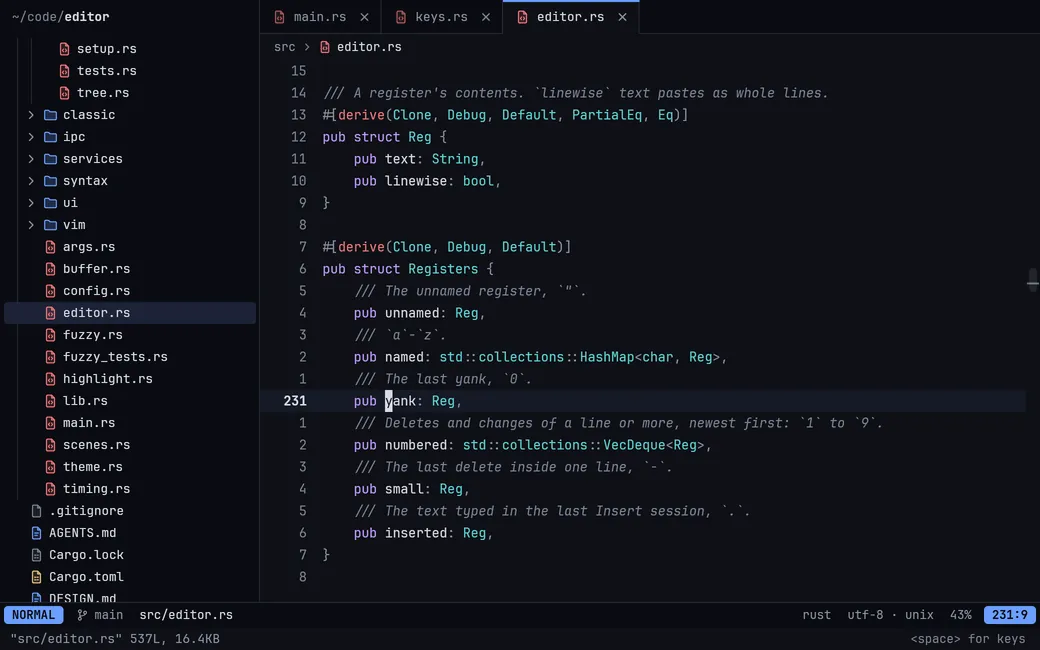
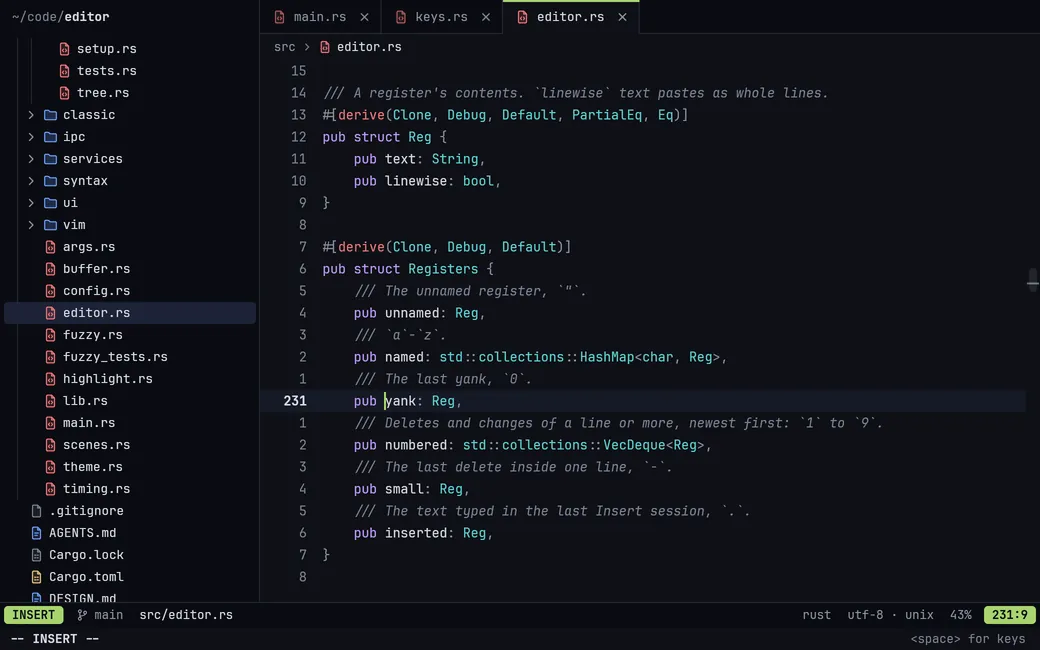
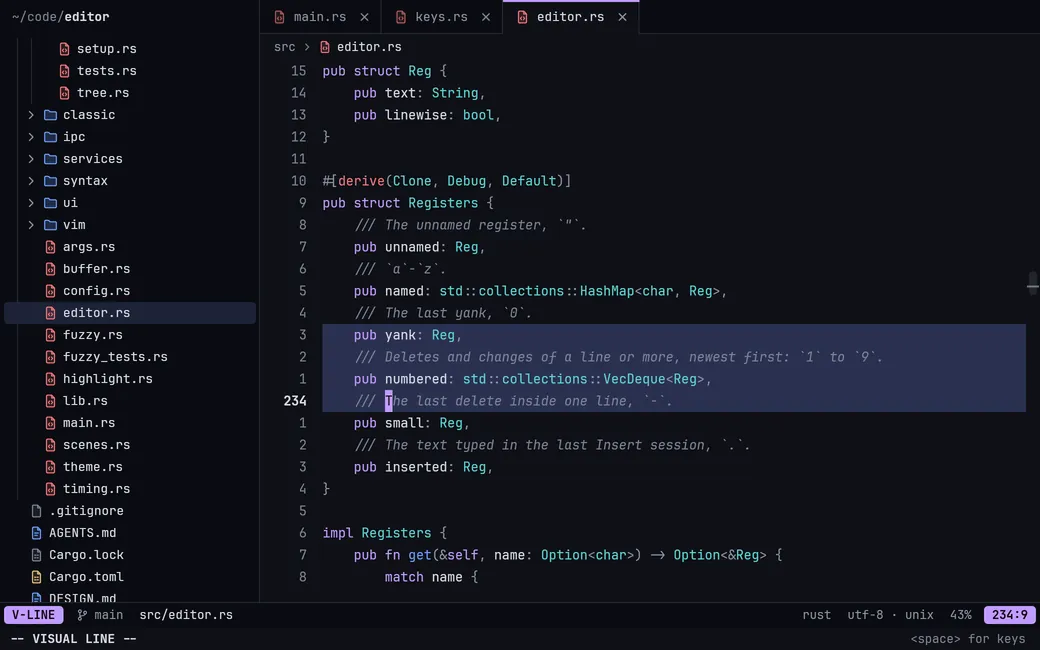
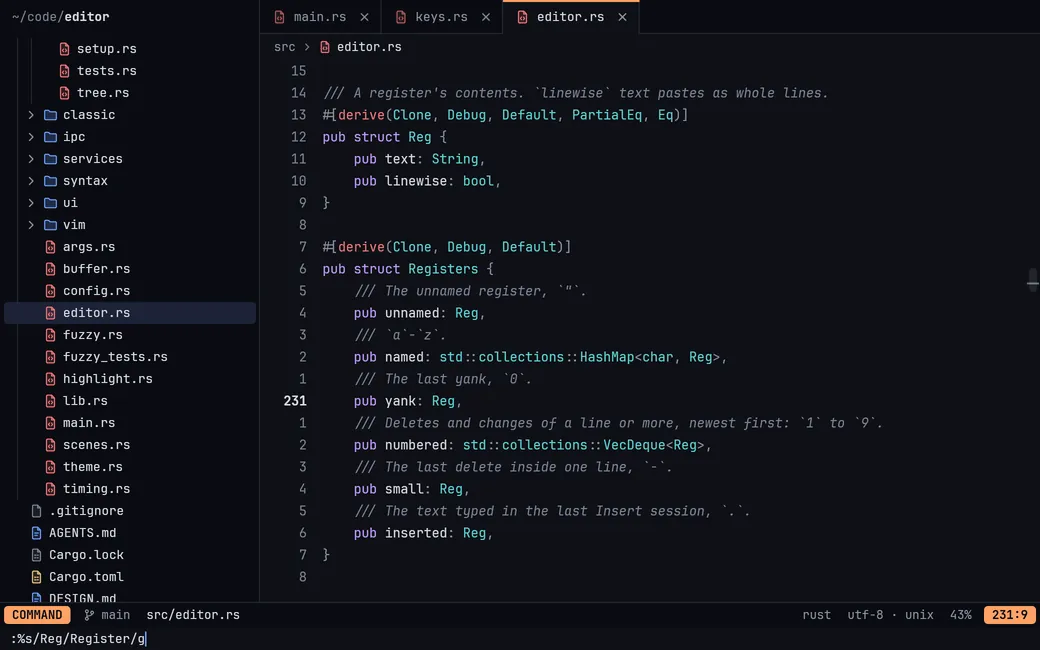
Press i, v, : or Esc on this page. Plate 1 changes in the next frame, as the editor does.
| 175msto open a 100 MB file | 0.3msCPU per keystroke frame, median | 0framesdrawn while the window is idle | 16themesbuilt in, plus your Omarchy theme | 2keymapsNeovim or classic, chosen at setup |
Screens
Every screen on this page is the real app, rendered from editor itself with editor --snap.
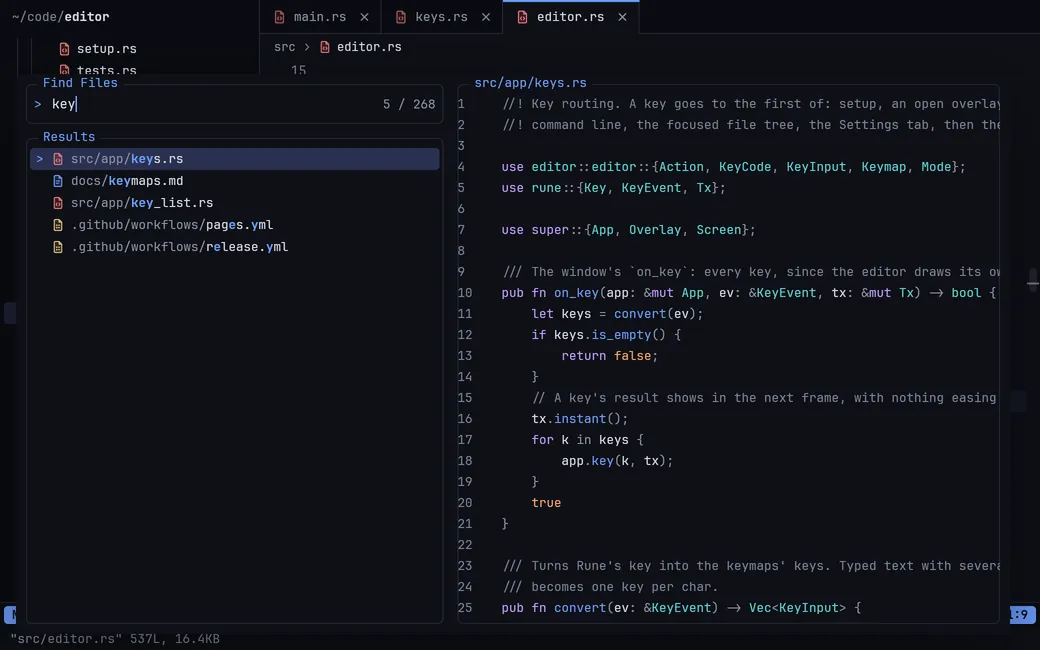
The finder, project search, buffers and code actions share one picker. It ranks as you type and previews the file under the cursor.
Project search runs ripgrep on a worker thread, so typing never waits on the disk.
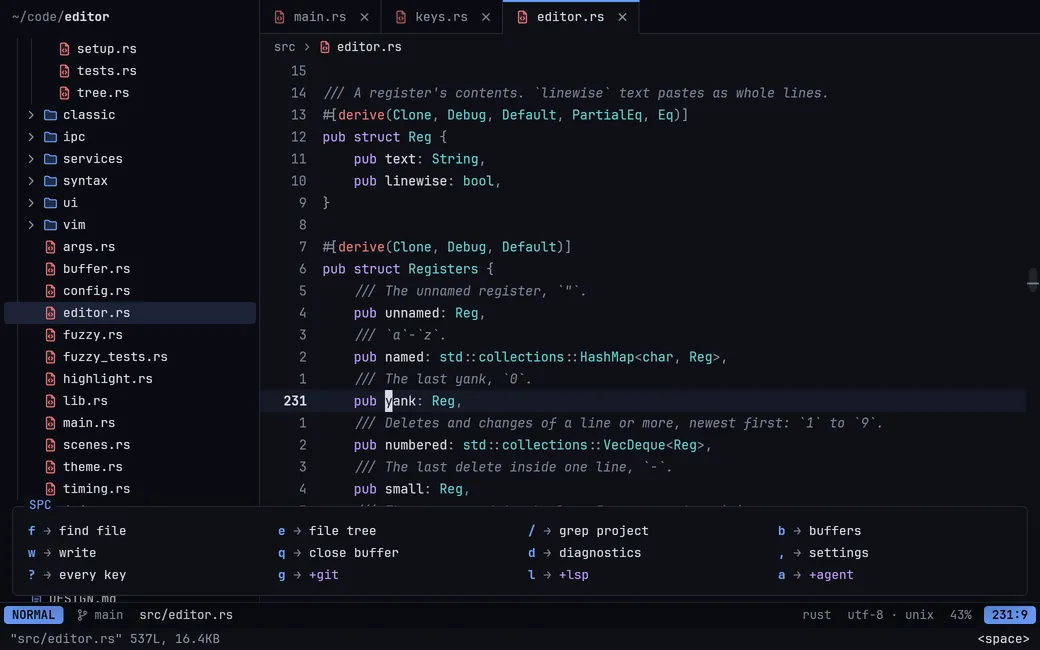
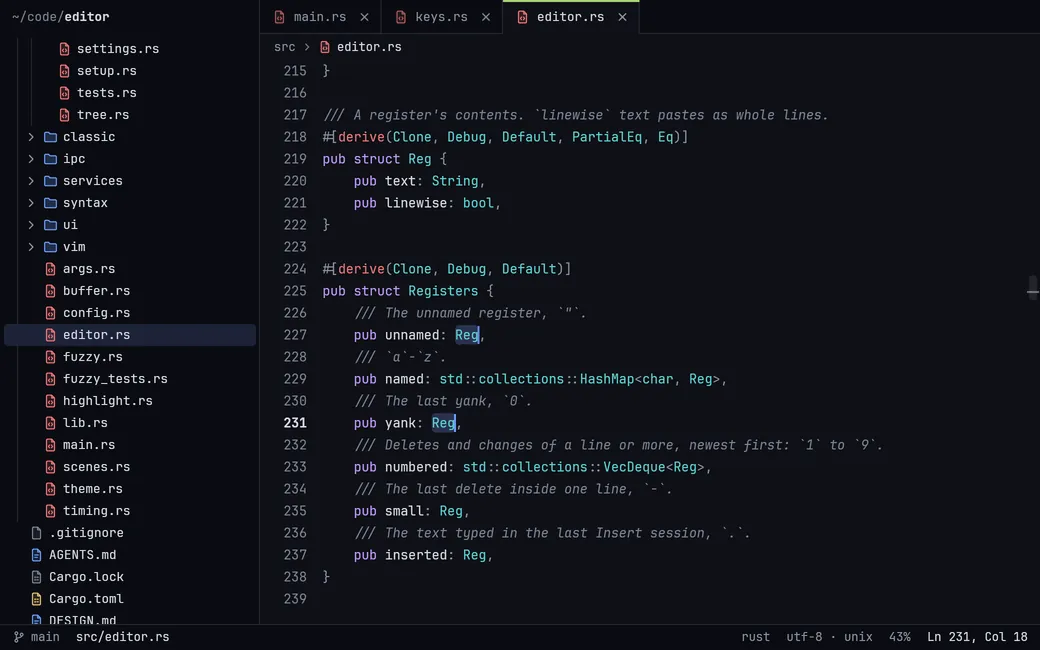
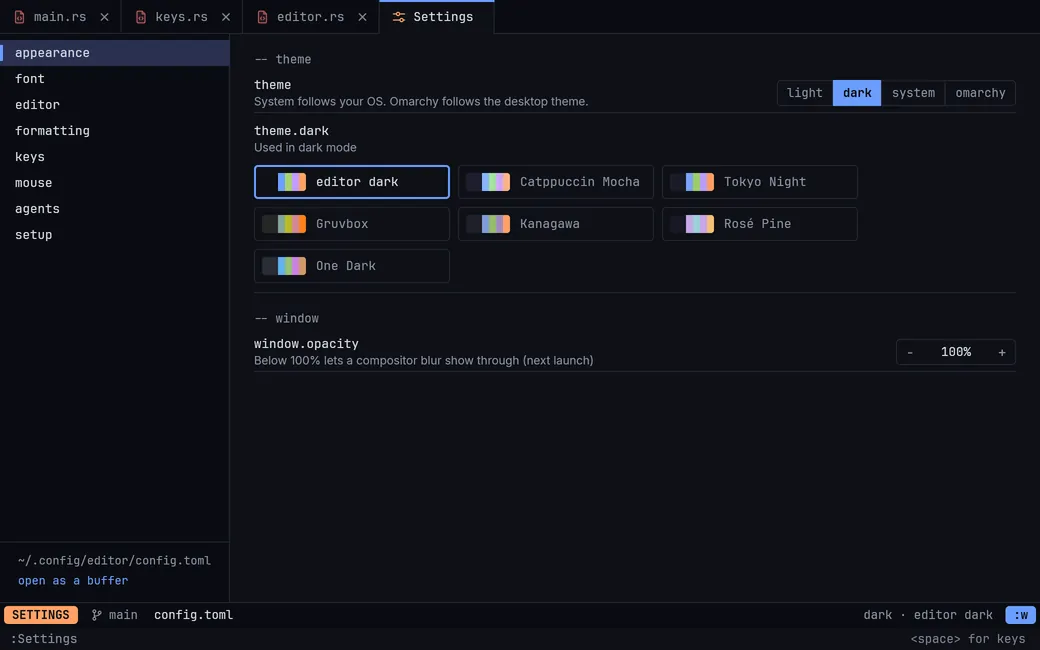
config.toml.Characteristics
Speed decides every feature. A feature that costs latency does not ship.
| Parameter | Conditions | Typ | Target | Unit |
|---|---|---|---|---|
| Open a file | 100 MB of Rust, 1.05 million lines | 175 | 1,000 | ms |
| Edit, undo and jump | The same 100 MB file | 24 | – | µs |
| Keystroke to frame, CPU, median | 60 keys, headless, 2× scale | 0.3 | 8 | ms |
| Keystroke to frame, CPU, 95th percentile | 60 keys, headless, 2× scale | 1.4 | 8 | ms |
| Rank the file finder, per key | 200,000 paths | 2.0 | 8 | ms |
| First edit after launch | Any file, the first key that changes it | 0.8 | 8 | ms |
| Frames drawn while idle | No input, no animation | 0 | 0 | frames |
| File I/O and LSP on the UI thread | Any file, any server | none | none | – |
Release build, Linux x86-64. Run the same tests from docs/performance.md.
- Keys
- Keymap
- Editor core
- View
- GPU frame
Only the visible lines, rows and list items are built. Text changes in the next frame, with nothing easing into place.
- Files
- Project index
- git
- ripgrep
- File watcher
- LSP
A key never waits on the disk, a language server or a process.
Keys
Two keymaps, each complete. Setup asks which one you want, and can read your leader key from ~/.config/nvim.
| Action | Neovim keymap | Classic keymap |
|---|---|---|
| Find a file | SPCf | CtrlP |
| Search the project | SPC/ | Ctrl⇧F |
| Save | :w | CtrlS |
| Undo, redo | uCtrl r | CtrlZ |
| Go to definition | gd | F12 |
| Rename a symbol | SPCln | F2 |
| Code actions | SPCla | Ctrl. |
| Toggle comments | gcc | Ctrl/ |
| File tree | SPCe | CtrlB |
| Settings | SPC, | Ctrl, |
Neovim keymap
Counts, operators, text objects, dot repeat, registers, macros, marks, Replace mode, Visual block, :s with confirm and :g. Tree-sitter adds function, class, parameter and comment objects in 13 languages.
Classic keymap
No modes: you type at once. Ctrl or ⌘ shortcuts, Shift to select, and multiple cursors with Ctrl D, Ctrl ⇧ L and Alt-click.
Works with your agent
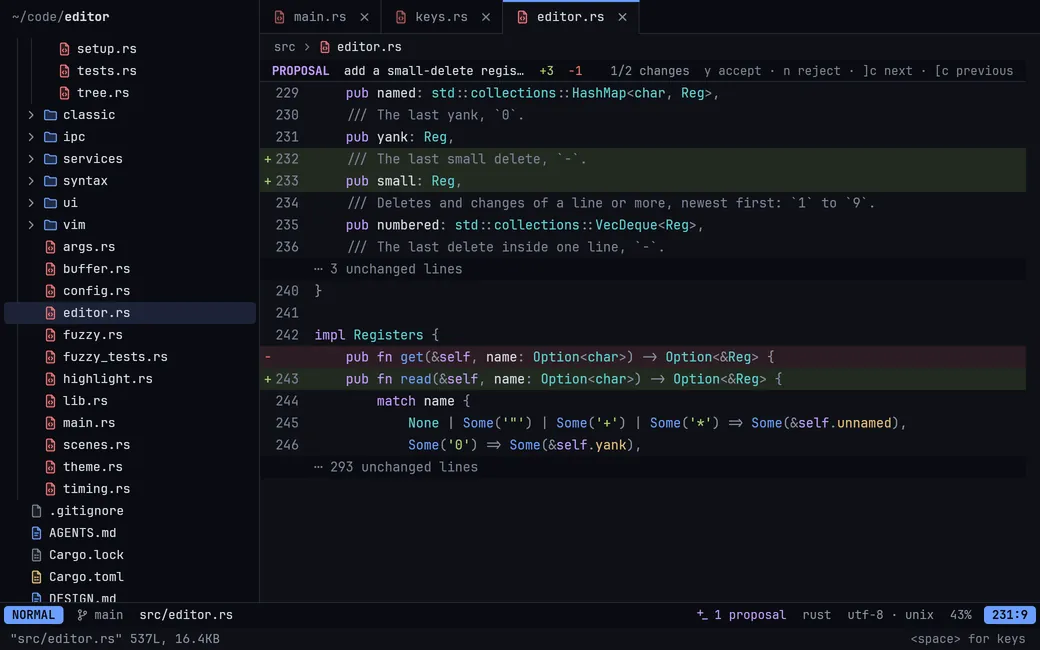
editor has no AI inside it. Your agent in the terminal sees what you are looking at and drives the editor over a local socket.
- Reads the active file, cursor, selection, unsaved buffers and LSP errors.
- Points at lines and leaves a note beside them.
- Proposes changes that you accept or reject.
- Marks lines changed on disk. SPC a l lists them.
# Claude Code: the editor as tools over MCP
$ claude mcp add editor -- editor mcp

# Any agent or script, from the project folder
$ editor ctl state
$ editor ctl reveal src/main.rs:10-14 --note "this is the bug"
$ sed 's/foo/bar/' src/main.rs | editor ctl propose src/main.rs --label "rename foo"
The socket is readable by your user only. Set ipc.allow_edits = false to keep agents to proposals. Setup for Codex and opencode is in docs/agents.md.
Themes
16 built-in themes, 9 dark and 7 light. On Omarchy, editor follows the desktop theme as it changes.
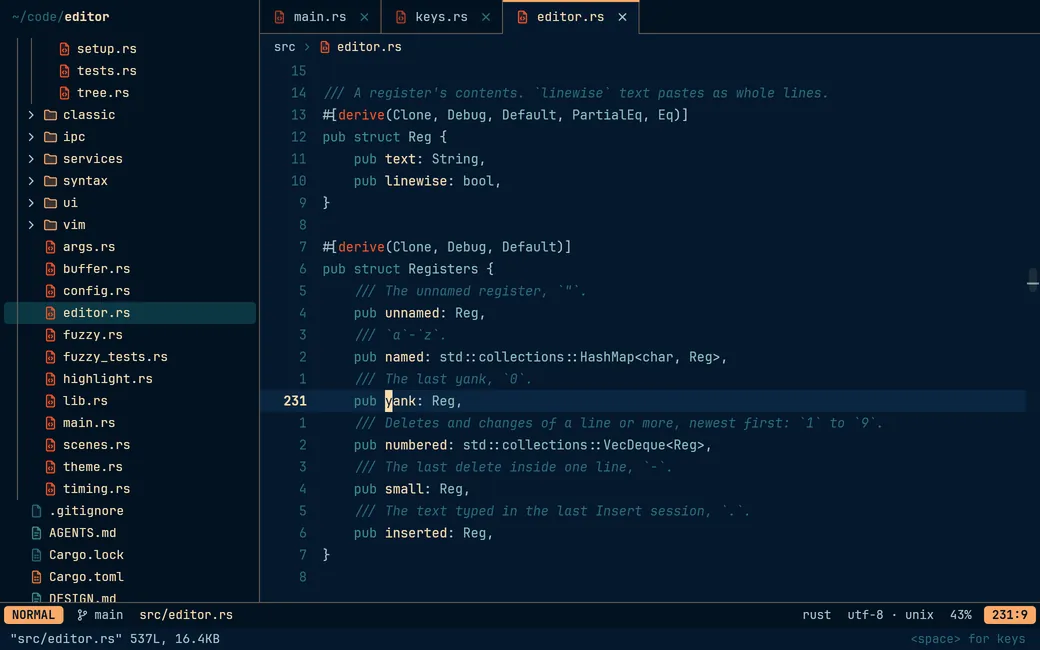
retro-82.Set theme.mode = "omarchy" and editor reads the desktop theme. When you change the theme on the desktop, the open window changes with it.
Other modes: dark, light, or system to follow the OS.
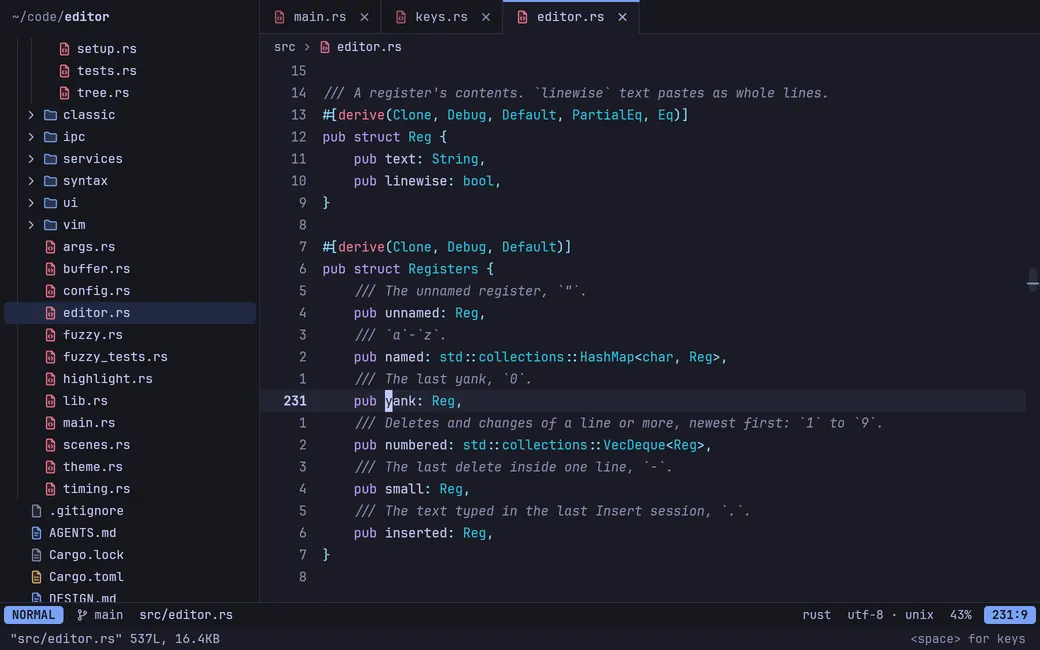
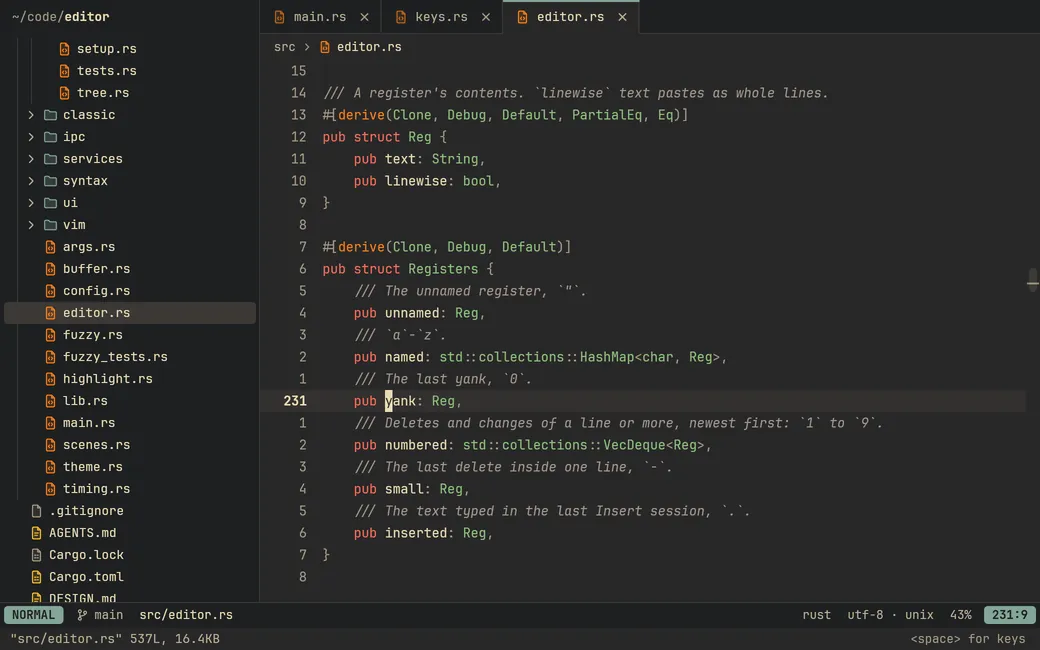
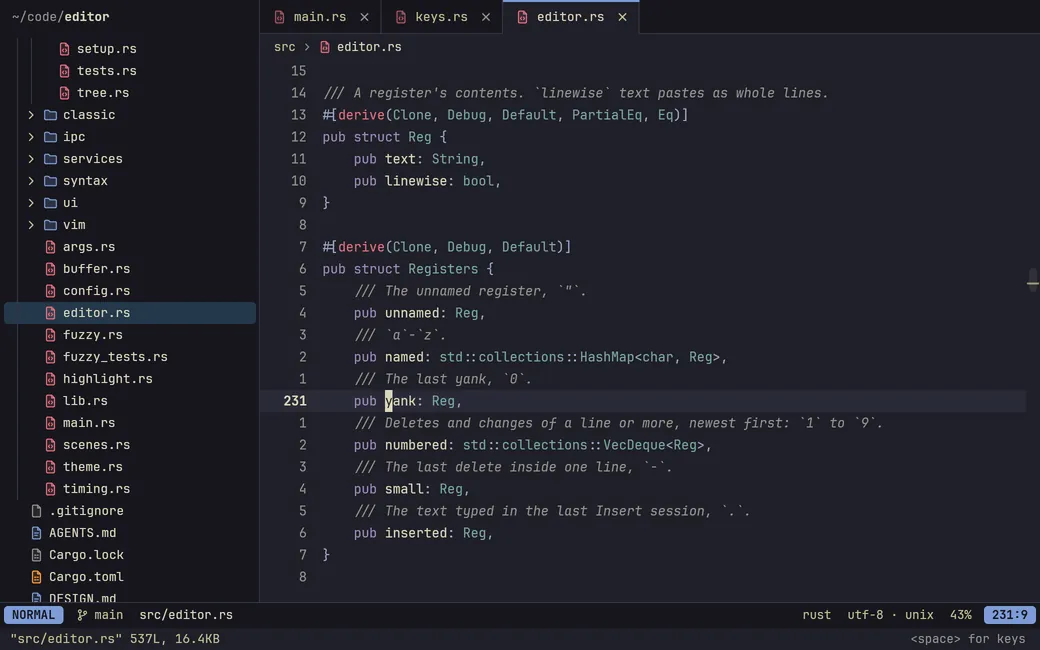
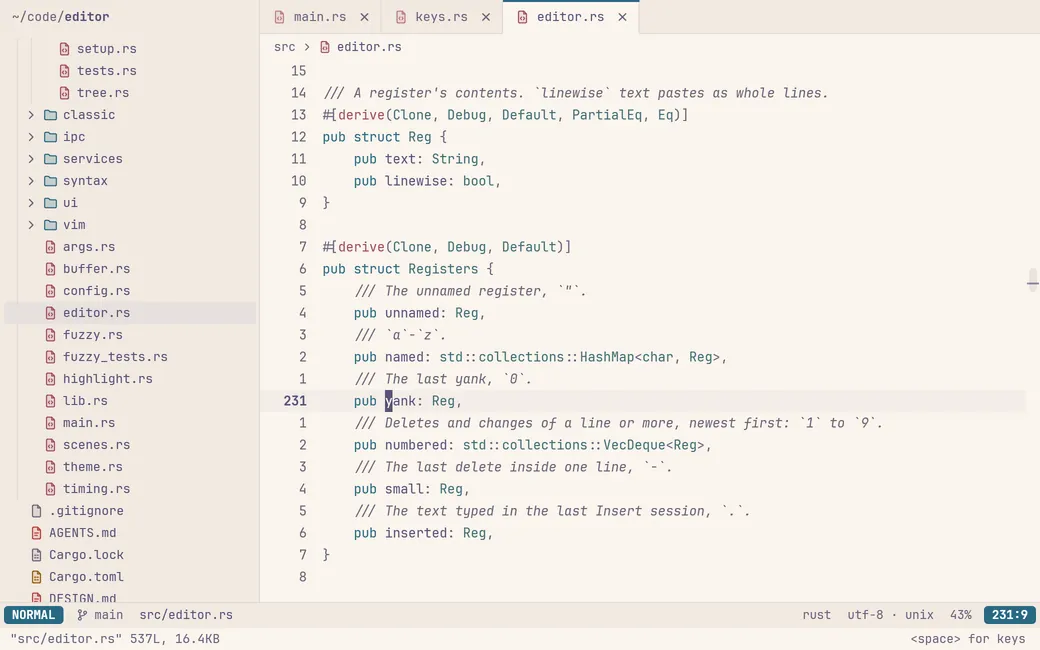
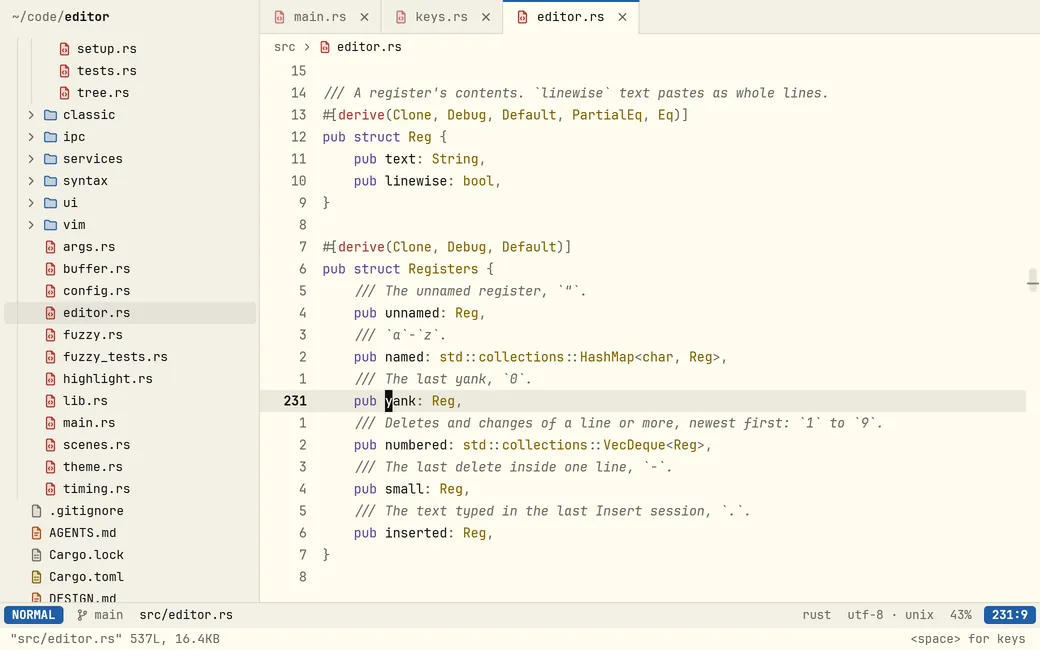
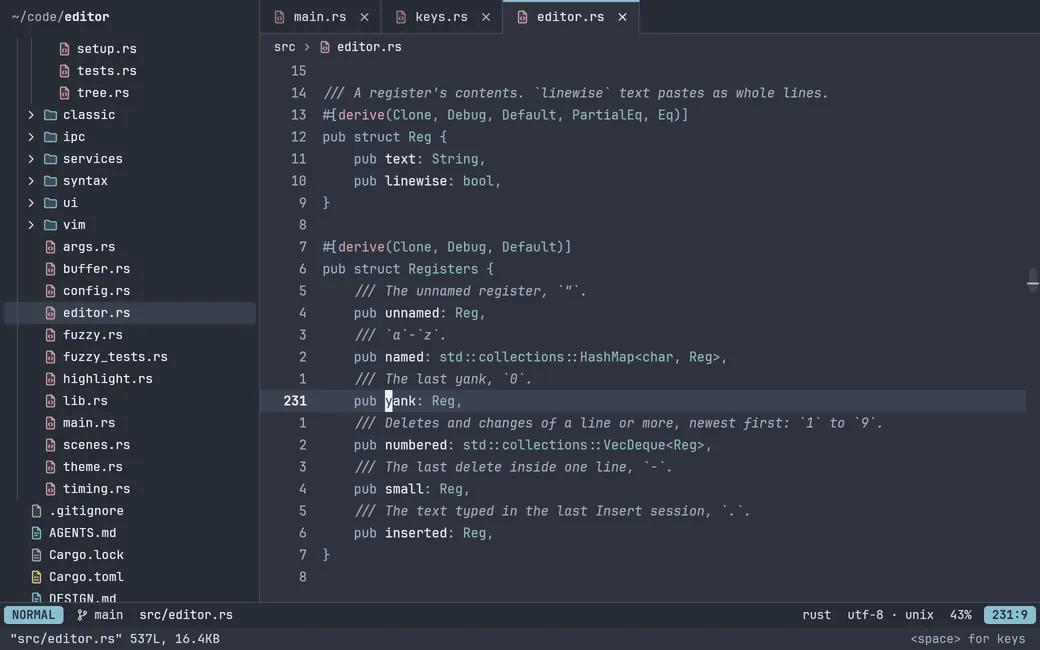
| Theme | Kind | Background, accent, Insert, Visual, Command | Setting |
|---|---|---|---|
| editor dark | Dark | theme.dark = "dark" | |
| Catppuccin Mocha | Dark | theme.dark = "catppuccin" | |
| Tokyo Night | Dark | theme.dark = "tokyo-night" | |
| Gruvbox | Dark | theme.dark = "gruvbox" | |
| Kanagawa | Dark | theme.dark = "kanagawa" | |
| Rosé Pine | Dark | theme.dark = "rose-pine" | |
| One Dark | Dark | theme.dark = "one-dark" | |
| Everforest | Dark | theme.dark = "everforest" | |
| Nord | Dark | theme.dark = "nord" | |
| editor light | Light | theme.light = "light" | |
| Catppuccin Latte | Light | theme.light = "catppuccin-latte" | |
| Tokyo Night Day | Light | theme.light = "tokyo-night-day" | |
| Gruvbox Light | Light | theme.light = "gruvbox-light" | |
| Rosé Pine Dawn | Light | theme.light = "rose-pine-dawn" | |
| One Light | Light | theme.light = "one-light" | |
| Flexoki Light | Light | theme.light = "flexoki-light" |
Ordering information
Free and open source under the MIT license. Pick the archive for your system.
| System | Architecture | Archive | Checksum |
|---|---|---|---|
| Linux | x86-64 | editor-v0.3.4-x86_64-linux.tar.gz | SHA-256 |
| Linux | ARM64 | editor-v0.3.4-aarch64-linux.tar.gz | SHA-256 |
| macOS | Apple silicon | editor-v0.3.4-aarch64-macos.tar.gz | SHA-256 |
| macOS | Intel | editor-v0.3.4-x86_64-macos.tar.gz | SHA-256 |
Linux
Unpack the archive and put editor on your PATH. The archive also holds a desktop entry and the icon.
tar -xzf editor-v0.3.4-x86_64-linux.tar.gz
install -Dm755 editor-*/editor ~/.local/bin/editor
editor .
macOS
The binaries are not signed. Before the first run, remove the quarantine flag.
tar -xzf editor-v0.3.4-aarch64-macos.tar.gz
xattr -d com.apple.quarantine editor-*/editor
./editor-*/editor .
With Cargo
Builds from source. Linux needs pkg-config and the Wayland and xkbcommon development packages.
cargo install --locked --git https://github.com/bjarneo/editorRevision history
| Rev | Date | Changes |
|---|---|---|
| 0.3.4 | 2026-11-28 | A VS Code look with the Neovim modes kept: file icons, tabs that show the mode, breadcrumbs, a scrollbar that marks changes and errors, and git bars in the gutter. |
| 0.3.3 | 2026-11-27 | On macOS the traffic lights sit in the tab bar, and the tab bar moves the window. Settings has a row for every option, and runs setup again. |
| 0.3.2 | 2026-11-24 | F1 lists every key, with search. The mouse wheel scrolls the file tree. Setup no longer replaces a binary in ~/.local/bin with a link to itself. |
| 0.3.1 | 2026-11-24 | Every key works and is documented: 20 fixes from a full audit, tests for each one, docs/keymaps.md and docs/cli.md. |
| 0.3.0 | 2026-11-24 | Faster: the finder ranks 200,000 paths in 2 ms a key, the file tree builds off the UI thread, the first edit costs 0.8 ms and :s is 26% faster. The binary is 28% smaller. |
| 0.2.0 | 2026-11-24 | AI agents drive a running editor over editor ctl and editor mcp. Proposals open as a diff. Outside changes are marked. :'<,'>!cmd filters lines through any command. |
| 0.1.0 | 2026-11-24 | First release: Neovim and classic keymaps, tree-sitter objects, LSP, the finder, 16 themes and Omarchy theming. |