A coffee menu for your desktop
Every drink from espresso to Italian roast, as an Omarchy theme. Each theme has a night variant and a day variant. Each variant has 5 backgrounds at 6K. 4 are photographic renders: the Omarchy wordmark spelled in coffee beans, the drink in its cup, a crema swirl and roasted beans. The fifth is the recipe. A sixth background is a video: steam drifts over the Omarchy wordmark, poured as latte art.
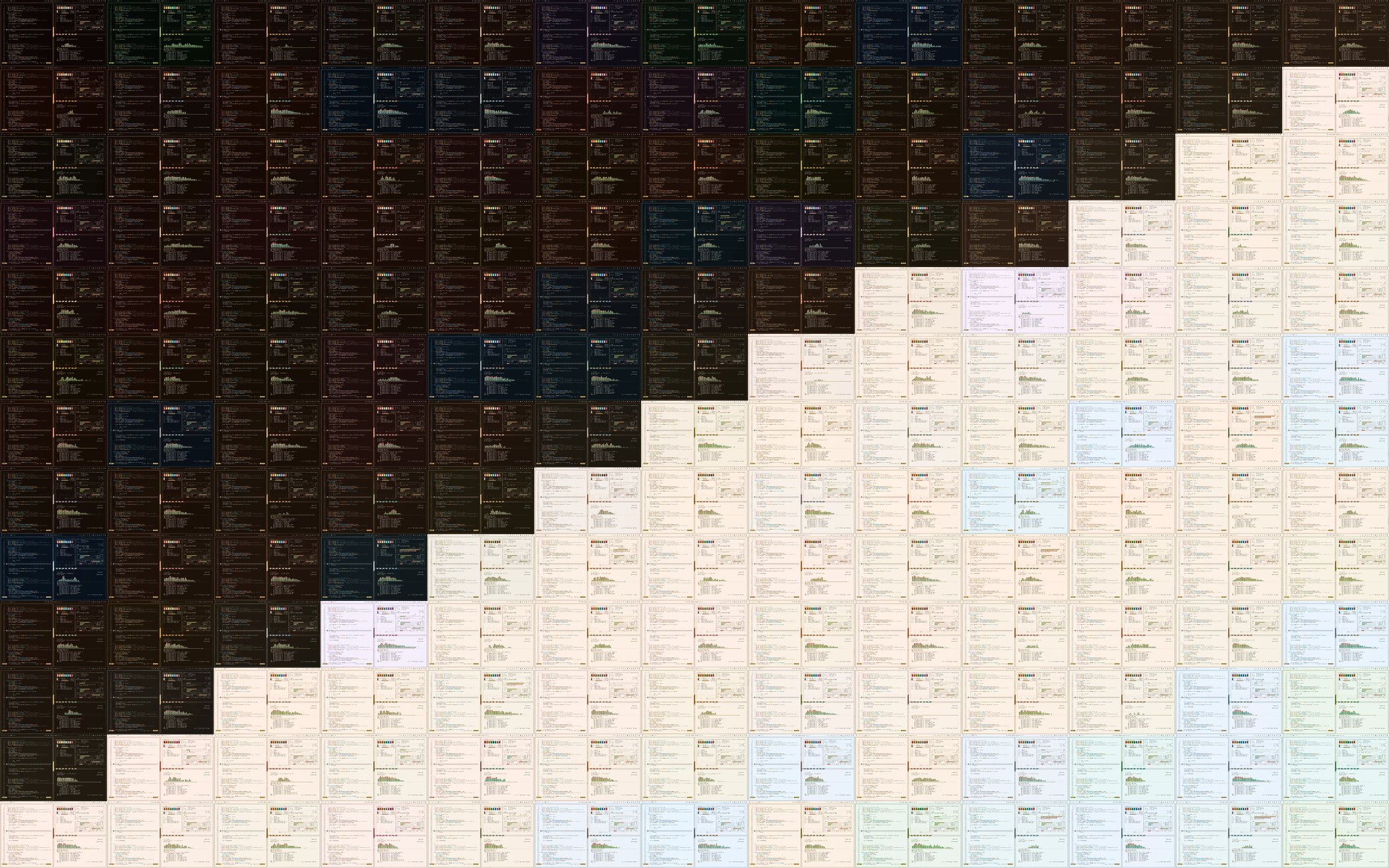
Every drink, night and day
All 82 drinks, one per beat. Each clip is a real screenshot of an Omarchy desktop with the theme applied, and each clip starts at night and pours into day. The music is a calm lo-fi track made with musicmaker.
Install
install.sh copies themes into ~/.config/omarchy/themes. It installs the night and day variants of a theme unless you pick one with --variant. It never replaces a theme that you made.
One drink, night and day, no clone
$ curl -fsSL https://bjarneo.github.io/coffee-themes/install.sh \
| bash -s -- cappuccino --set
One variant only
$ curl -fsSL https://bjarneo.github.io/coffee-themes/install.sh \
| bash -s -- cappuccino --variant day --set
All 164 themes
$ git clone --depth 1 https://github.com/bjarneo/coffee-themes ~/.local/share/coffee-themes $ ~/.local/share/coffee-themes/install.sh --all $ omarchy theme set cappuccino-night
Apply with Aether
Select a drink and a variant, then select Apply with Aether. Aether downloads colors.toml and a 3840×2160 copy of the background, then applies them at once. Install as Omarchy theme adds the variant to the Omarchy theme menu.
Variants: night and day. Theme names end in -night or -day, for example mocha-night. Other options: --all, --list, --update, --remove, --link and --force. Run install.sh --help for details.